
Platform Overview
Built by learning experts who know the workflows and where automation makes the most sense. Top enterprise companies use LEAi to eliminate complexity and deliver a consistent experience that ties together all your training and certification development needs.

Why LEAi
Streamline your entire process, from source content to building the course to updating and maintaining it, reusing for more training needs and creating exams, all from the same approved content.
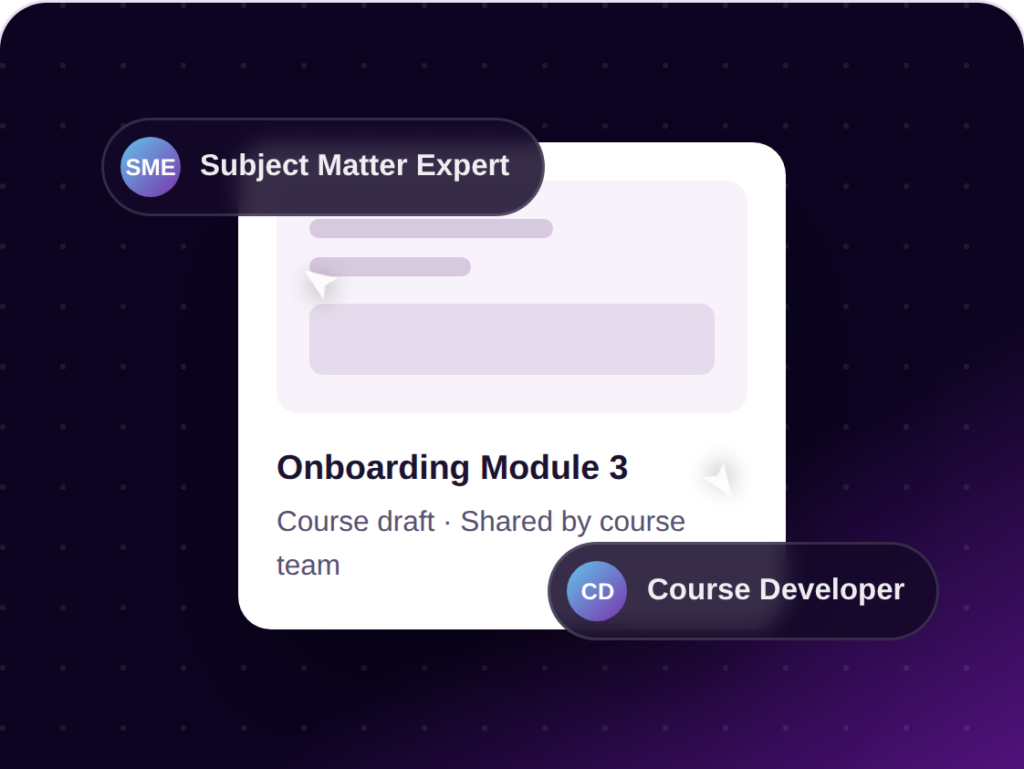
Collaborate in a secure environment across all groups for co-editing, reviewing, and approvals.
LEAi is the center of the workflow to ensure that learning content is reviewed and approved for use, then maintained and updated fast.
“Creating a one-hour course could take anywhere between 20 and 40 hours. With LEAi, we’re able to cut that in half, saving time for our instructional designers and subject matter experts.”
Leighton Nelson
Senior Director Education and Technical Enablement, Delphix
“We were trying to solve the problem of bandwidth – too many demands and not enough resources. LEAi enabled us to fast-track self-paced content creation by eliminating storyboarding and auto-generating test questions.”
Director Courseware Development
Information Management Solutions Provider
“Anyone who has to generate questions manually knows that it is a very time-consuming practice. LEAi allows us to very quickly add knowledge-checker questions into our courses.”
Matthew Rendell
Director of Technical Education, Actian
“We’re seeing a 38% reduction in the time it takes to develop courses, including everything from the storyboard to building the courses and their publication. That’s proven the ROI.”
Miki Ishikawa
Director, Learning Experiences, OpenText
The platform
Course Authoring
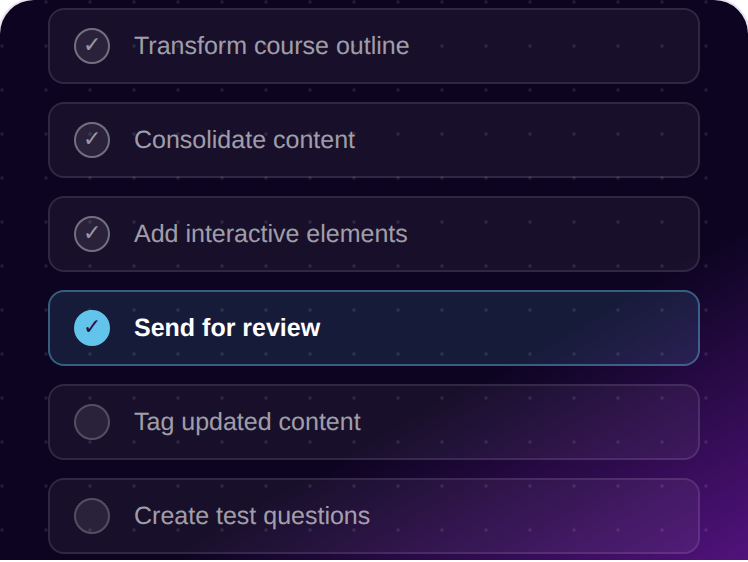
Whether you’re starting from scratch, have your own course outline, or want LEAi to inspire your course design and structure, our course authoring applies years of learning expertise so your courses look the part.
AI-Powered Context and Updates
LEAi builds drafts with an expert-driven, domain-specific AI layer that has learning best practices built in.
Publish Everywhere
Most learning organizations are asked to produce the same course in multiple ways — eLearning, instructor-led, video, and job aids. LEAi has your back.
Assessment
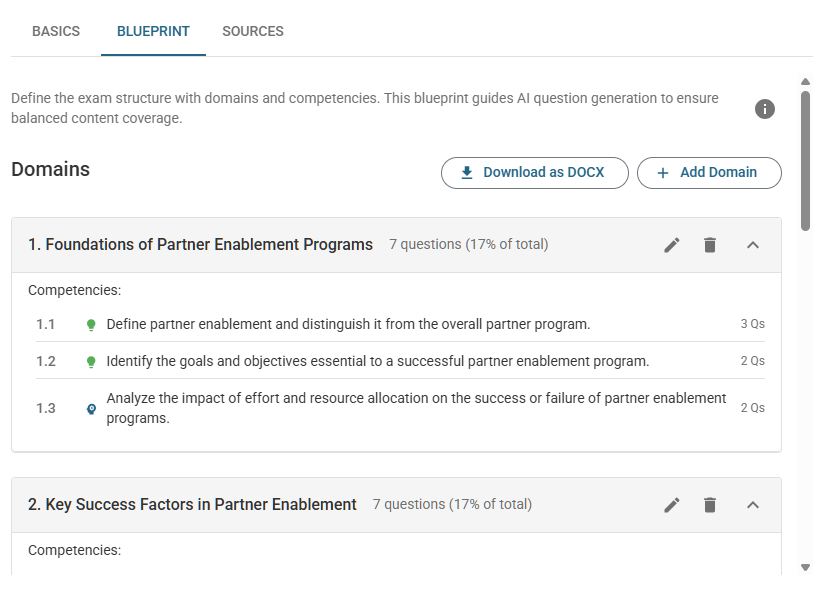
Generate full exam banks by topic, skill, or difficulty, with the right blueprint behind every question.
Ecosystem
Bring content in from where it already lives and publish it in every format your learners need.
Security
Built for how organizations actually need to govern training content and data — not a general-purpose AI tool, so your content, policies, and proprietary material stay safe.
Common Questions
LEAi uses advanced generative AI and natural language processing to analyze source materials—such as documents, presentations, audio/video, or web pages—and identify the key knowledge and skills a learner needs to acquire. Here’s how LEAi helps create learning objectives:
LEAi is designed to dramatically reduce the time it takes to develop training content. Depending on the complexity and length of your source materials, you can generate a structured course in just minutes—with many users reporting time savings of up to 85%.
LEAi automates many of the traditionally manual and time-consuming steps in course development, including:
You can also reuse existing LEAi courses, import from Google Drive, SharePoint, or web pages, and apply smart templates to ensure consistency across your training.
This automation allows you to shift your focus from building course content from scratch to refining, reviewing, and customizing your course to meet learner needs and business goals.
LEAi is built to scale course creation across teams and organizations, empowering even non-instructional designers—like Subject Matter Experts (SMEs)—to rapidly build professional, instructionally sound training. Here’s how LEAi supports scalability:
By enabling repeatable processes, LEAi allows teams to scale training delivery efficiently—without compromising instructional quality.
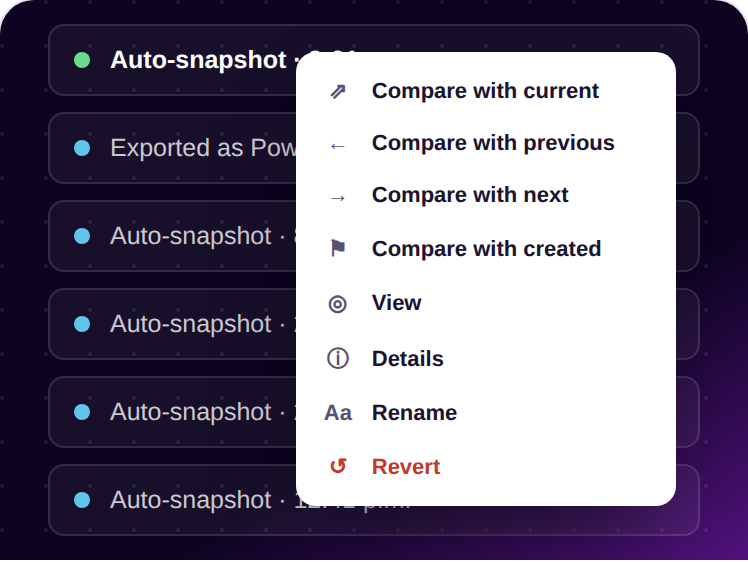
Yes, you can collaborate with team members in LearnExperts (LEAi) in several ways, depending on the level of involvement you want other users to have in your courses. LEAi supports collaboration through features designed specifically for sharing, editing, and reviewing learning content:
These tools make it easy for teams to work together, from co-authoring courses to gathering feedback and managing reviews. If your use case involves multiple people contributing to or overseeing course development, these collaboration features should support your workflow effectively.
Yes, you can absolutely import PowerPoint slides (.pptx files) into LearnExperts LEAi. The platform provides three different methods to handle PowerPoint content, allowing you to choose the best approach based on your content’s structure and your learning goals.
The first option is “Upload As-Is”, where LEAi will import the slides without rewriting the content.
The second option is “Rewrite as Course”, which uses LEAi’s generative AI to convert the entire PowerPoint deck into a fully structured course. This approach is useful if your slides contain information but aren’t designed for effective learning. LEAi will analyze the content and organize it into instructional best practice formats, including learning objectives, instructional text, demonstrations, exercises, and test questions.
The third method, “Rewrite Each Slide”, treats each slide as an individual unit and rewrites the content one slide at a time. This option is helpful when your slides are already roughly organized for training, but you want LEAi to enhance each slide’s clarity and instructional value without changing the overall structure.
If you choose to apply the LEAi smart template during the upload process, the system will automatically insert structured learning sections such as Demonstration, Exercise, and Test Questions at the end of each content section. This ensures your course is aligned with learning design best practices right from the start.
Unlock Domain-Specific AI for Enterprise Learning
Request a personalized demo and see how teams across the entire enterprise do their best work with LEAi. Build everything your teams need on one collaborative platform.

AI course authoring and exam generation for training teams who need to move faster without losing quality.
© 2026 LearnExperts.ai. All rights reserved. · 7 Bayview Station Rd, Ottawa, ON K1Y 2C5
